Why Your Phone Is Not Charging When Plugged In: 5 Causes & Quick Fixes
1. Deep Dive: 5 Hidden Reasons Behind a Phone Plugged In Not Charging
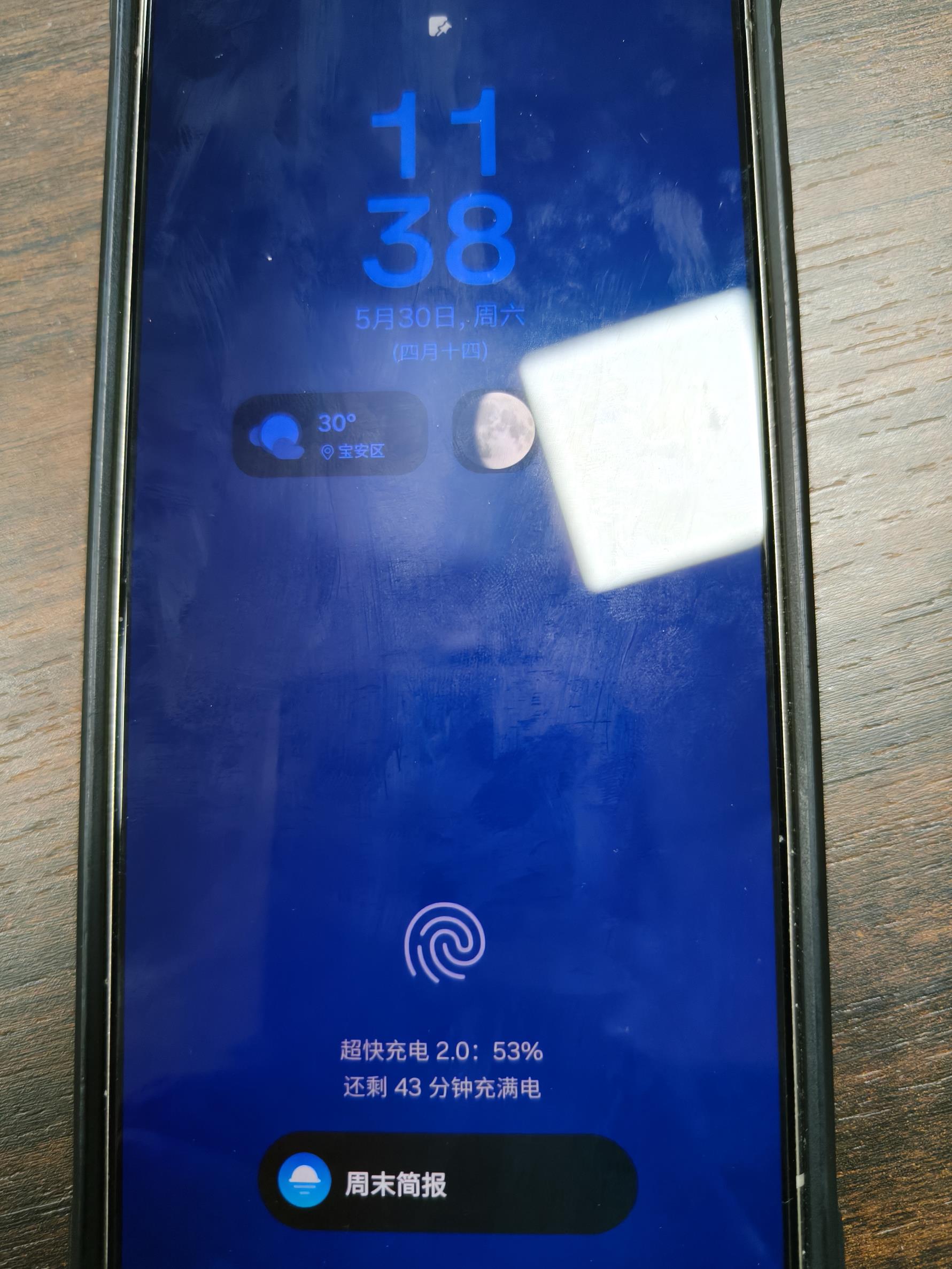
According to recent statistics from mobile device service centers, over 60% of smartphone charging issues are actually caused by external factors rather than internal hardware failure. If you are struggling with a phone plugged in not charging, here are the most common culprits:
1. Broken Cables and Aging Adapters
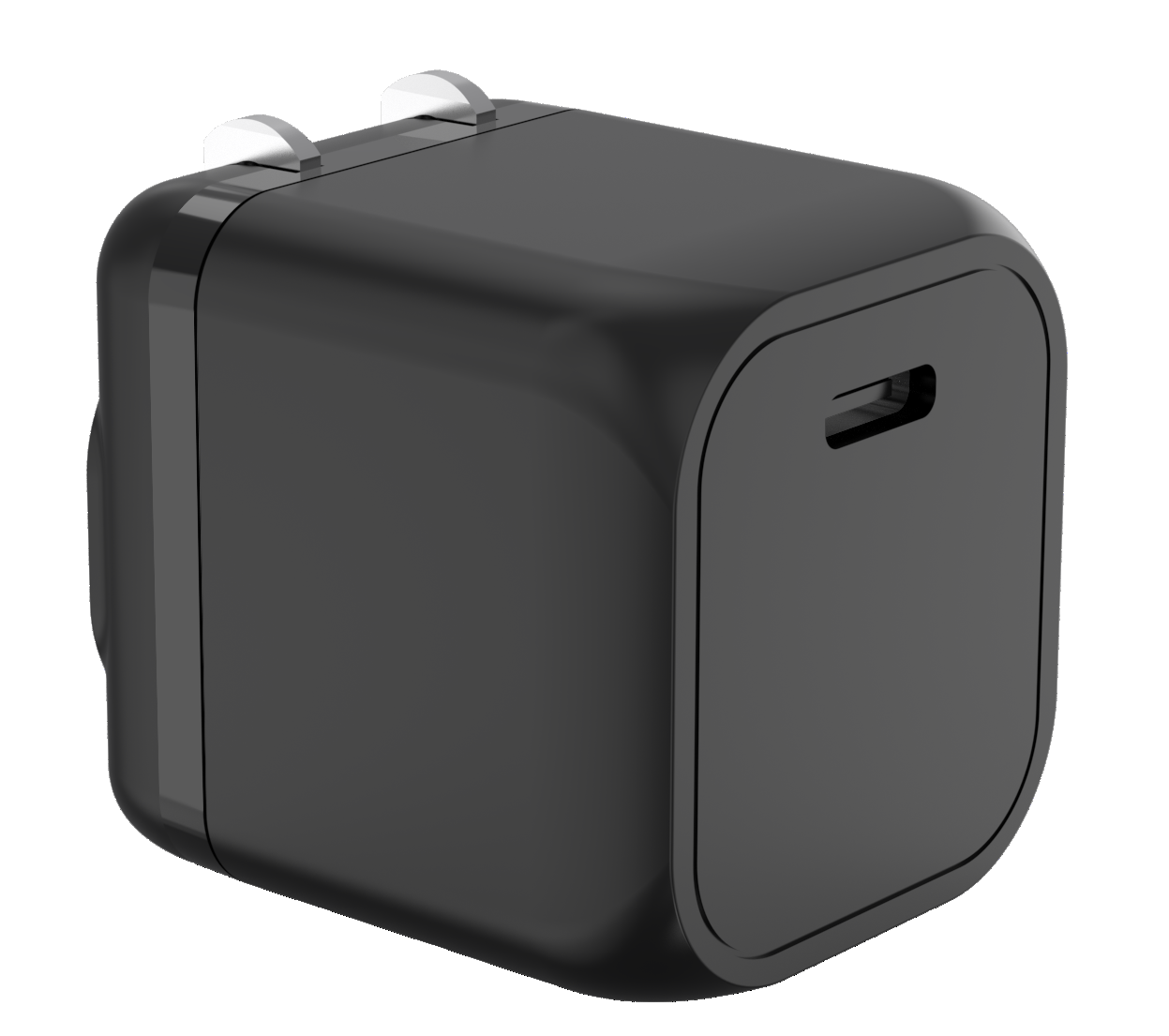
Charging cables and wall plugs endure the most brutal wear and tear in daily life. Constant bending, twisting, or accidentally stepping on them can cause internal copper wires to snap. Furthermore, low-quality, uncertified "cheap" wall chargers often deliver highly unstable currents, causing modern phones to reject the charge entirely. Switching to a certified multi port USB charger ensures a stable handshake.

2. A "Pocket Lint" Trap in the Charging Port
Throughout the day, your phone moves in and out of denim pockets, purses, and backpacks. Over time, the charging port acts like a magnet for lint, dust, and debris. As you plug the cable in repeatedly, this debris gets tightly compressed at the bottom of the port, creating an insulating layer that prevents the charging pins from making a proper connection.
3. Software Glitches and System Freezes
The charging process in modern smartphones is highly sophisticated, strictly controlled by system algorithms and the Power Management IC. If your operating system encounters an unexpected software conflict, the system may mistakenly issue a command to stop accepting power.
4. Overheating and Thermal Protection
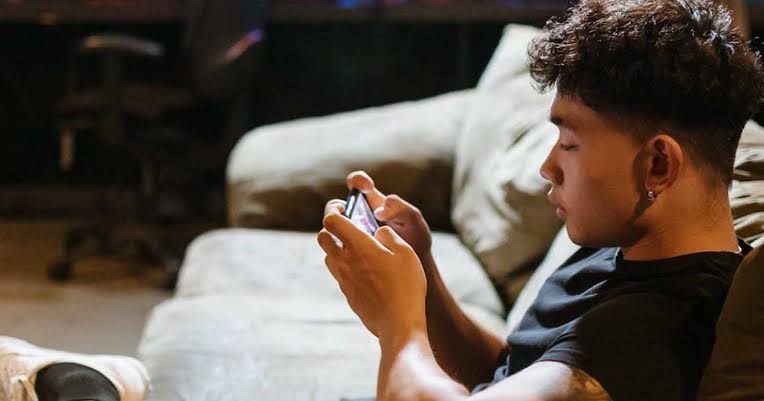
Lithium-ion batteries are extremely sensitive to temperature. If you are playing graphics-heavy mobile games while fast-charging on a hot summer day, the device will hit its thermal safety threshold. To protect the battery from swelling, the phone will automatically halt the charging process. This is why switching to a cool-running GaN charger is essential.
5. Natural Battery Degradation
Every smartphone battery has a limited physical lifespan measured in charge cycles. After hundreds of full charge-and-discharge cycles, the chemical components inside degrade naturally. This manifests as extremely slow charging, fluctuating battery percentages, or the phone simply refusing to charge past a certain point.
2. No Need for Repair Shops Yet! Step-by-Step Troubleshooting
Before heading to a service center, try these 4 easy, expert-approved troubleshooting steps at home:
Step 1: The "Cross-Testing" Method (Isolate the Problem)
Swap out your accessories to find the weak link. Try a different, working cable and wall adapter on your phone. Alternatively, plug your current charger into another device. If the other device charges normally, your phone port is the issue.
Step 2:Grab a wooden toothpick or a small, soft antistatic brush (never use paperclips, needles, or any metal objects, as they can permanently short-circuit the contact pins and make things worse). Under a bright light, gently scrape out the accumulated lint and dust from the charging port.
Step 3: Perform a Force Restart
For iPhone Users: Quickly press and release Volume Up, press and release Volume Down, then press and hold the Power/Side button until the Apple logo appears.
For Android Users: Press and hold both the Power and Volume Down buttons simultaneously for 10-15 seconds to force the system to reload its power drivers.
Step 4:Let It Cool Down If your phone feels noticeably hot to the touch, unplug the connector immediately. Close all background applications, place it in a cool environment, and let it rest for 15-20 minutes before attempting to charge it again.
3.Want to eliminate charging inconsistencies, messy desk cables, and overheating bricks once and for all? You need a premium, high-performance charging hub engineered for modern devices.
The uonipow DP-A186 67W GaN Fast Charger is precisely designed to solve all your daily charging headaches using cutting-edge architecture:
We highly recommend our very own flagship product,
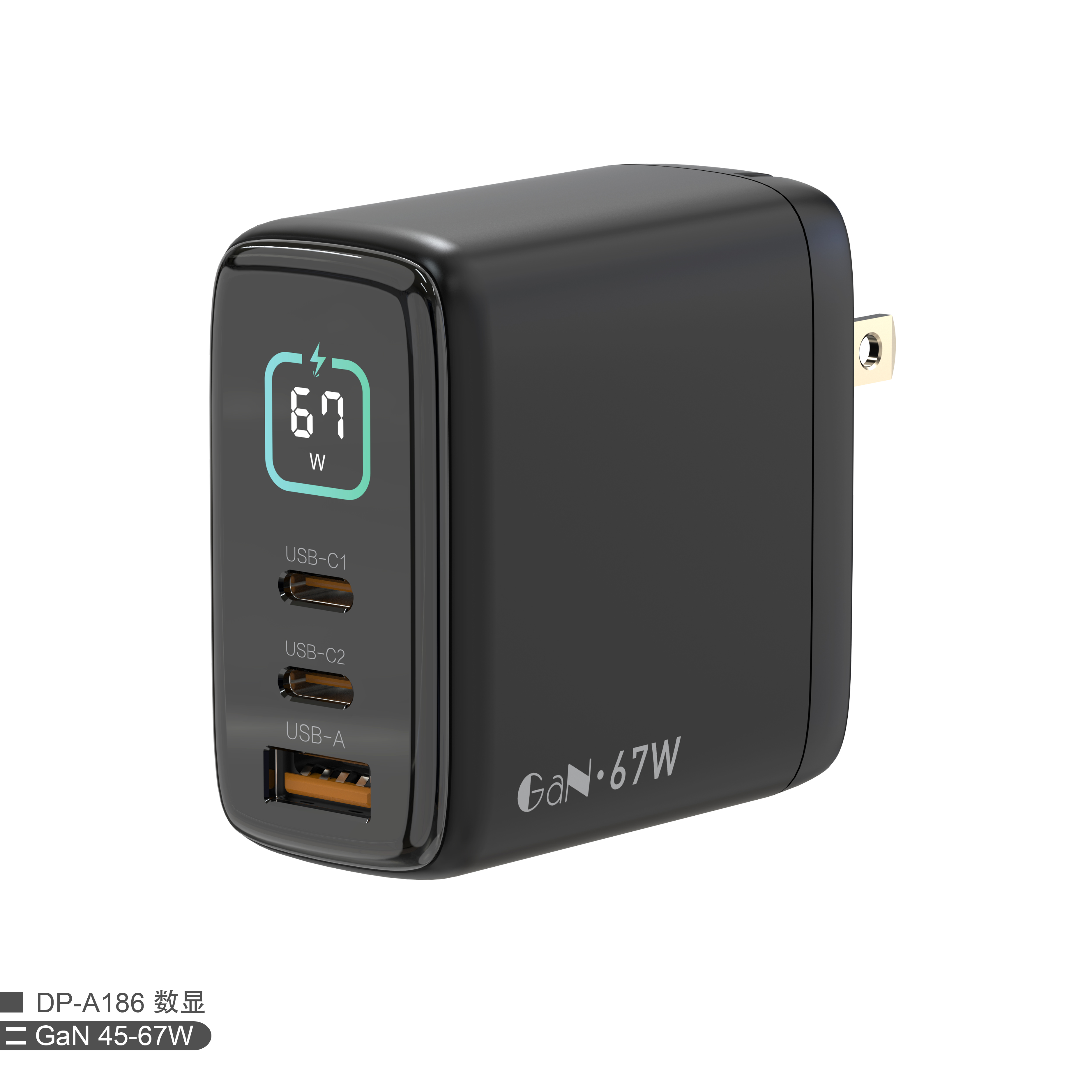
Stop carrying separate bricks for every single device. With its smart multi-port configuration, the DP-A186 delivers up to a blazing-fast 67W from a single port. It easily juices up everything from a MacBook Air or iPad Pro to the latest iPhone and Android flagship smartphones at full speed.
Declutter your workspace and travel light. Thanks to the power of GaN, our sleek, space-saving
multi port USB charger ensures this high-power adapter won't block adjacent outlets on a power strip. It is the only wall plug you need to pack for business trips, vacations, or daily commuting.
Conclusion
A: This is usually due to a protocol mismatch between your phone and an uncertified charger, or poor heat dissipation within the adapter itself. Upgrading to a smart 67W GaN fast charger, such as the uonipow DP-A186, which features dynamic power allocation and built-in temperature regulation, solves this issue entirely.
A: If you have thoroughly cleaned the port and tried multiple certified cables, but you still experience your phone plugged in not charging, the internal pins are likely bent or worn out. In this case, professional hardware repair is required.
A: Absolutely. The uonipow DP-A186 is an intelligent multi port USB charger. When you plug in smaller gadgets like Bluetooth earbuds or smartwatches, the charger instantly detects the exact power requirement and switches to a safe micro-current mode, ensuring a safe charge without frying your accessories.
World Cup Charger Supply: Custom 100W GaN Charger & 3-in-1 Wireless Charger Factory
What Is Samsung Super Fast Charger 2.0?
Related Article